
With the latest Aqua Mail beta update, we have implemented the long-awaited Microsoft Graph support for Microsoft business accounts.
To continue using your Microsoft 365 / Office 365 business account in Aqua Mail, you will need to remove the account from Aqua Mail and add it again.
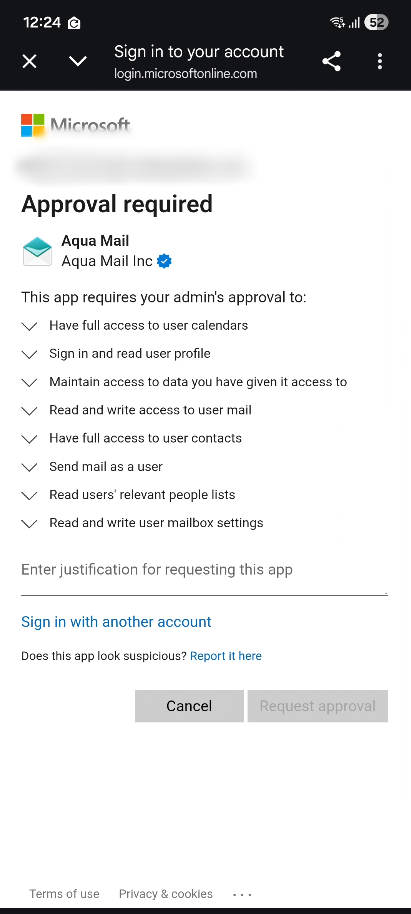
This step is required because Aqua Mail now connects to Microsoft business accounts through Microsoft Graph. Re-adding the account allows the app to create a new connection using Microsoft Graph and complete the required Microsoft OAuth sign-in and permission authorization process.
Please note that removing the account from Aqua Mail does not delete your mailbox or emails from Microsoft’s servers. It only removes the local account configuration and cached messages stored inside the app. After you add the account again, Aqua Mail will synchronize your mailbox and download the necessary folder and message data again.