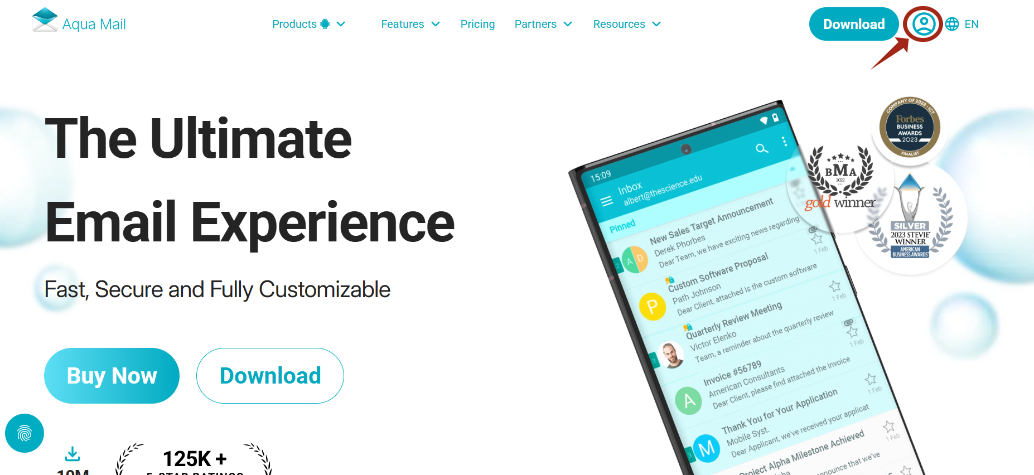
Go to https://www.aqua-mail.com/android
Then click on the icon circled in red (top right corner).
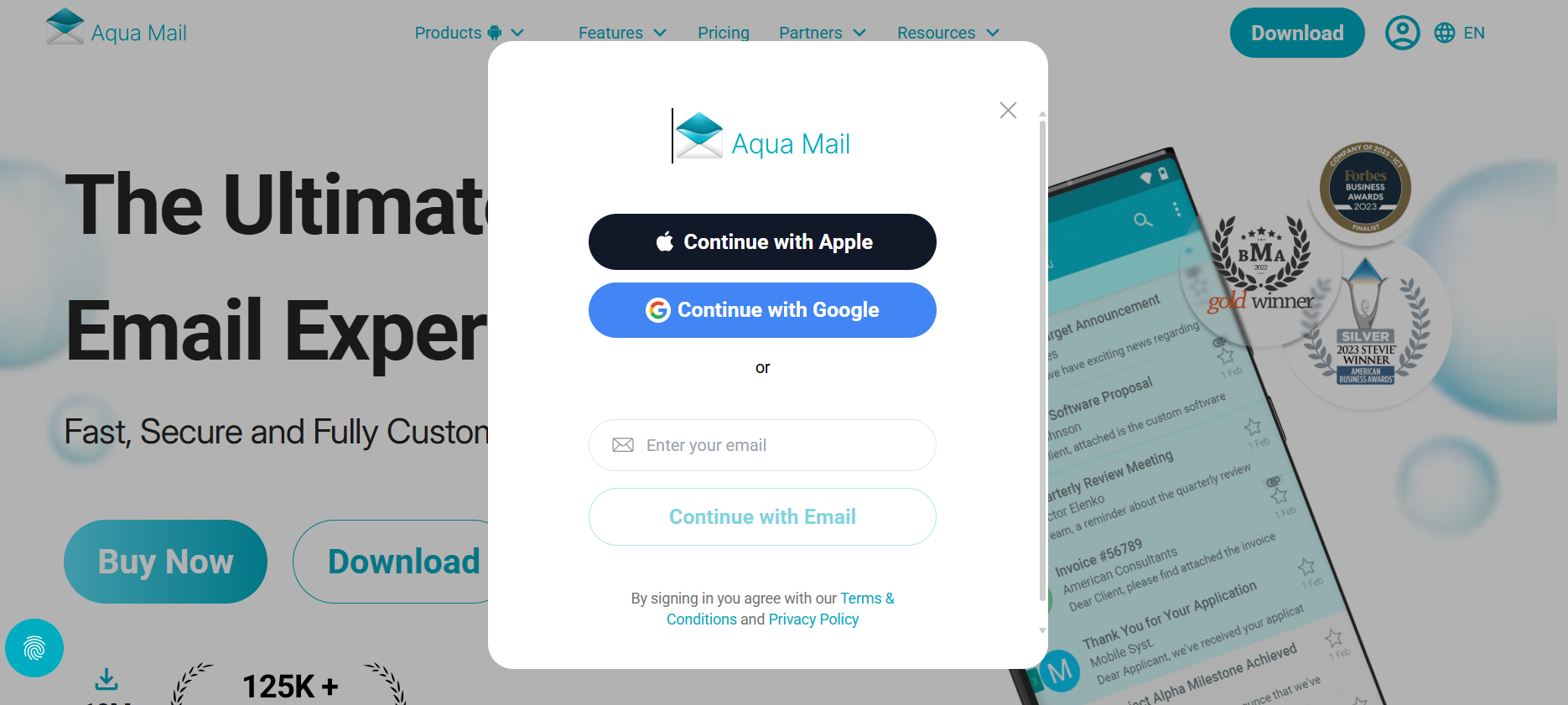
Continue with Google/Apple or enter an email of your choice. After this step, you will be sent an email to confirm the account creation. Continue to the next step.
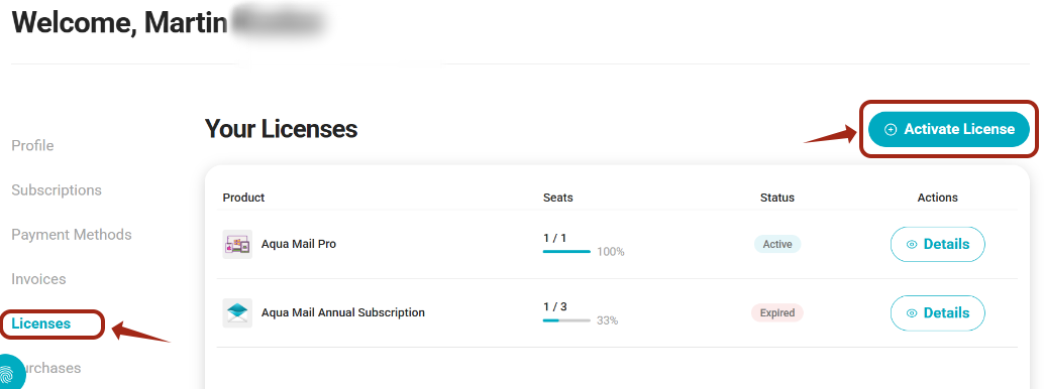
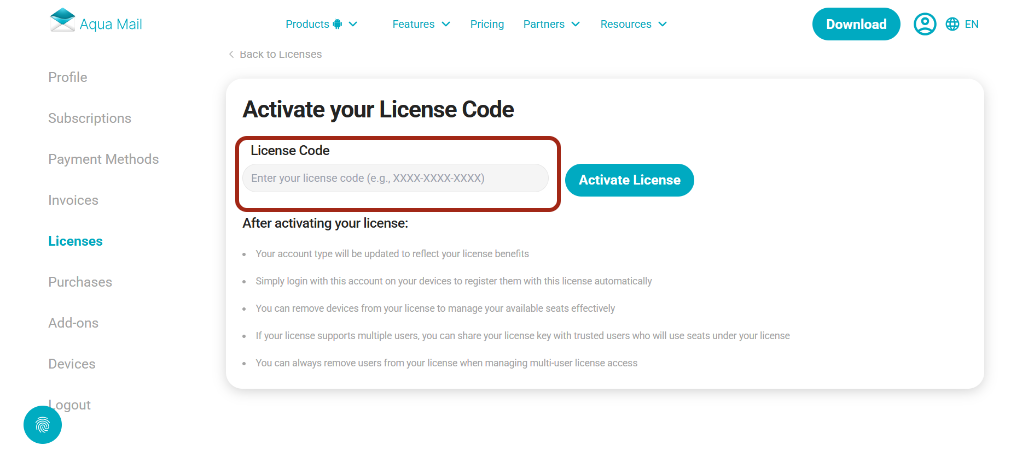
Once you log in to your account, you will see several fields on the left, click on "Licenses" > "Activate Licenses"
Enter the code in the empty field and click "Activate Licenses". After which the code should be successfully accepted.
Proceed to install Aqua Mail, open Aqua Mail (go through the introductory screens) and log in with an account of your choice.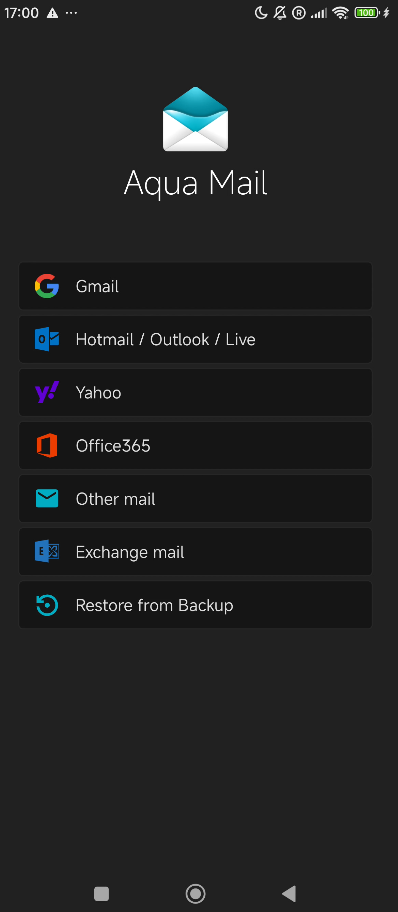
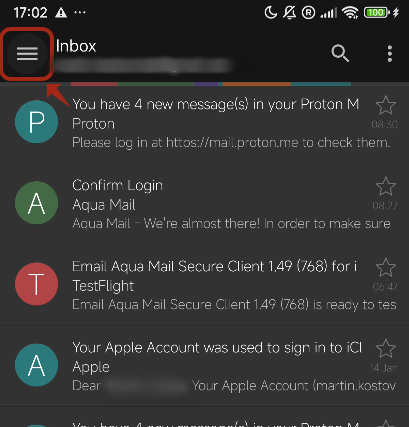
After logging into your account, this screen will open, click on the menu on the left.
Click on the icon circled in red. 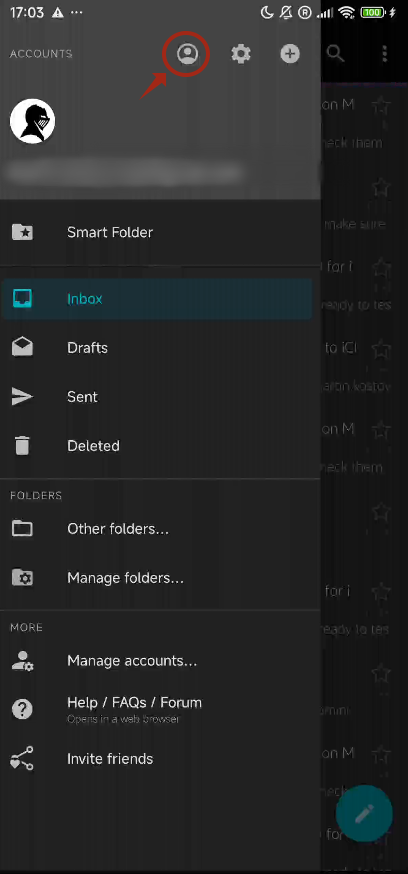 Log in with the account you used to activate the code.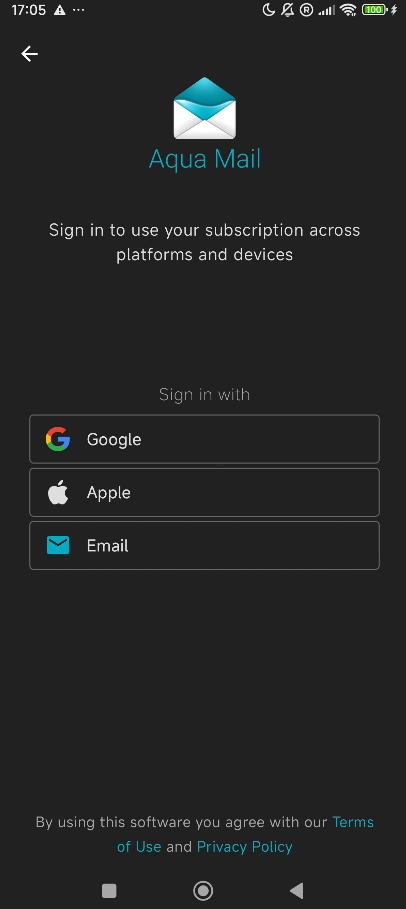
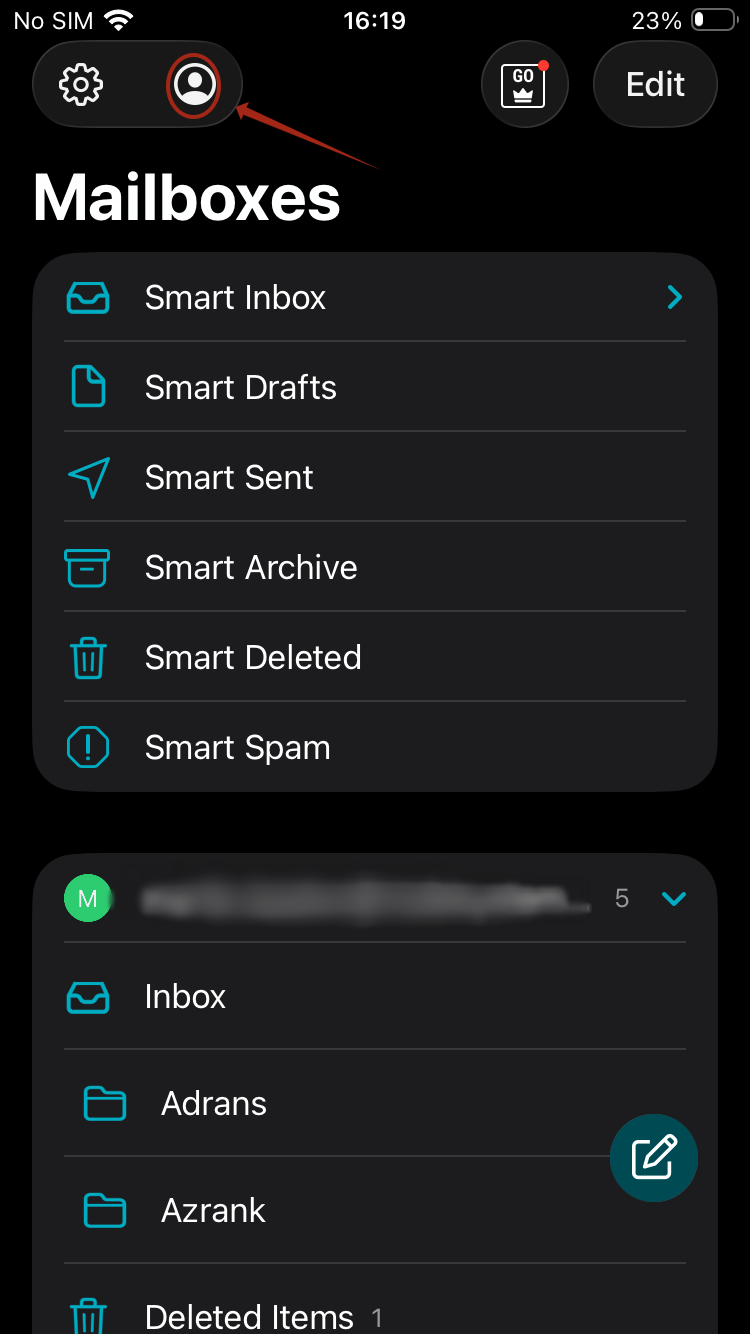
For the iOS platform, please refer to the image below and sign in.